AI agents, fully integrated into work4all
Automate routine tasks and reduce your team’s workload with work4all’s AI agents.
Excellent on all platforms





.avif)
1,000+ companies trust work4all
From individual users to teams of 200 users. From office staff and field technicians on the go to management


















Also, check out our YouTube video on this topic.

Overview of AI features
AI agents that make your ERP think along with you
Specialized AI agents, fully integrated into the work4all interface, support you with relevant tasks. Already in use by pilot customers are AI agents for reading and creating incoming invoices, extracting travel expense receipts, creating quotations via voice input, drafting emails, or explaining work4all through AI. More and more native work4all AI agents are being added on the path toward an integrated AI ERP system. External AI agents can also be connected to work4all via the REST API.
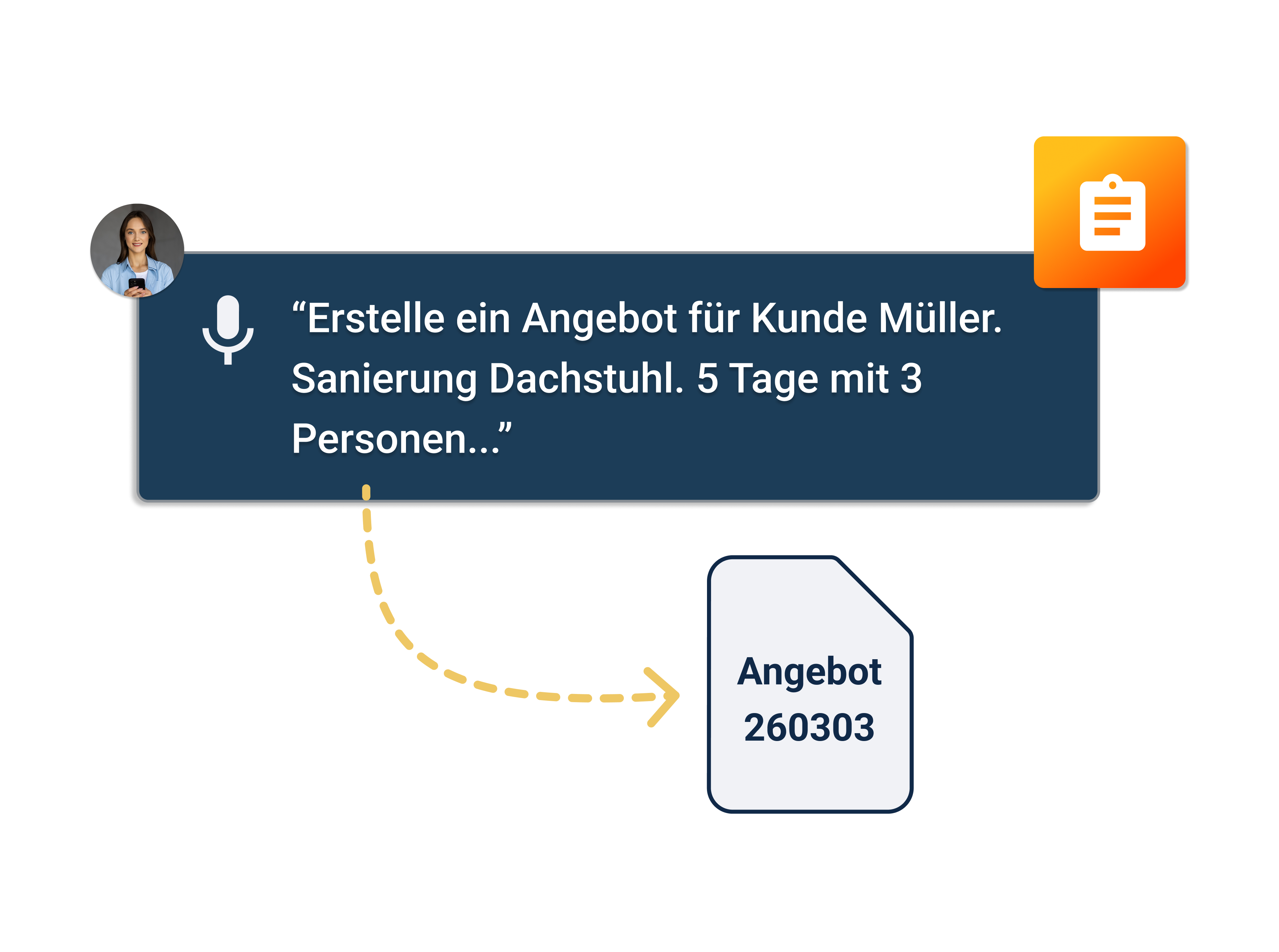
Create quotations using an AI voice assistant
Simply describe your quotation by voice input — work4all listens and creates a suitable quotation from it. The integrated AI transforms your spoken information into structured service descriptions and complete quotation texts. This allows professional quotations to be created in just a few minutes, even while on the go.
Write texts and emails with AI
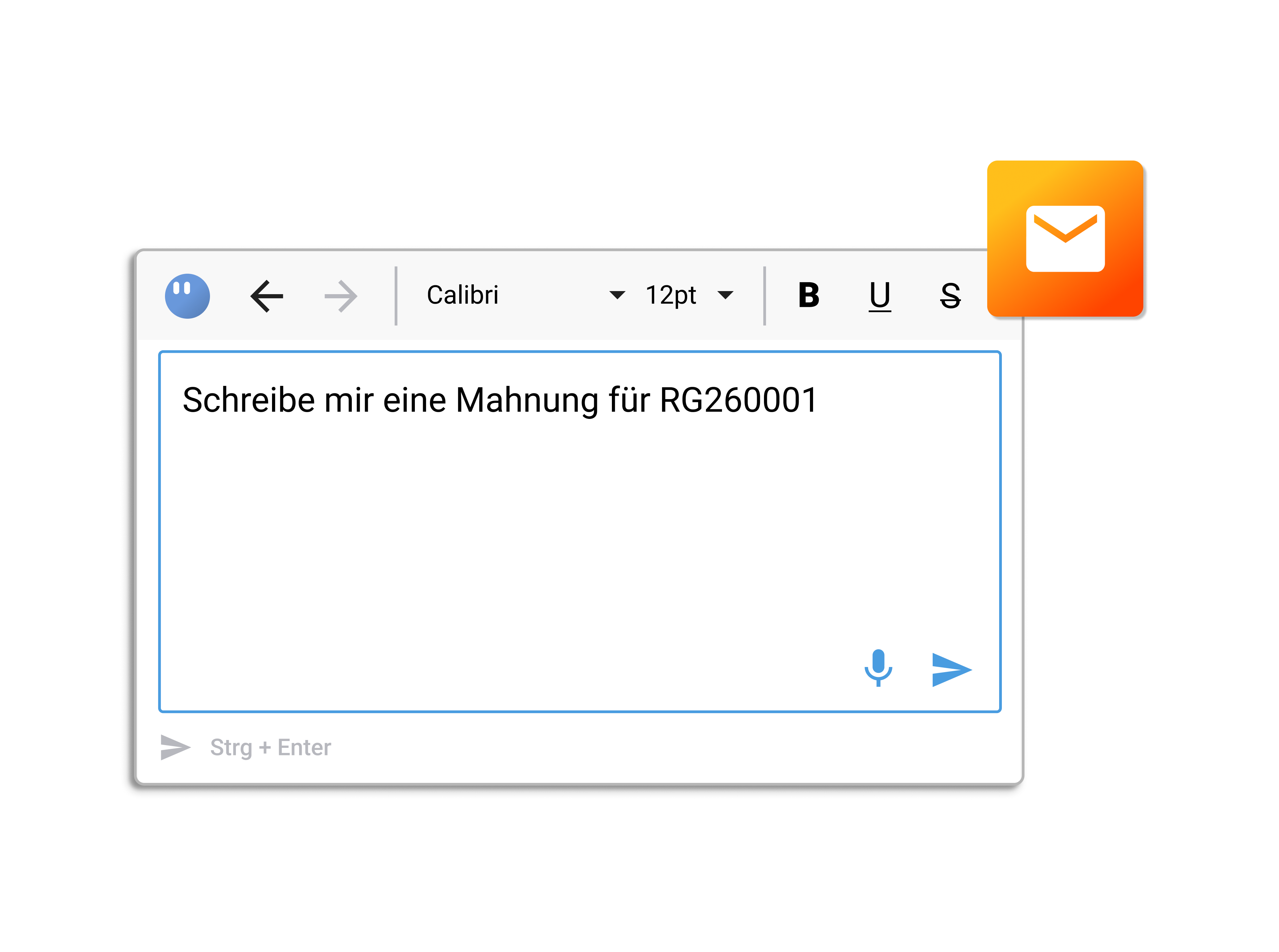
Our AI supports you in writing emails, just as you are used to from ChatGPT and similar tools — but directly within the email interface of work4all. You save time and ensure a confident, professional appearance with clear and well-structured messages. This makes daily communication with business partners easier, more efficient, and higher in quality.
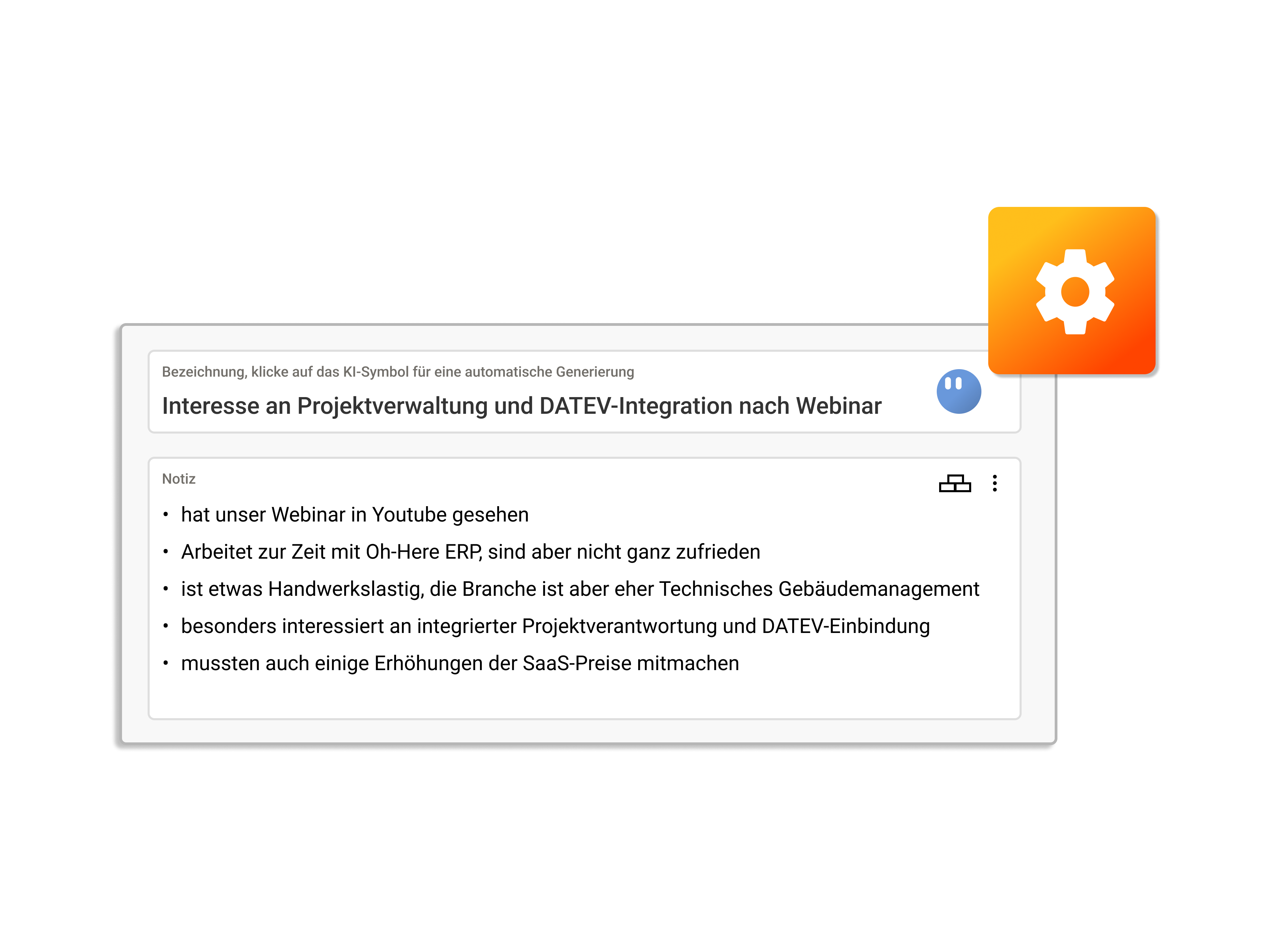
Have AI agents generate names for objects
In work4all, the integrated AI helps you automatically generate concise and meaningful subject lines — for example, for meeting notes. The goal is to make content easier to capture in a structured way and to ensure consistent, professional naming.AI-generated subject lines are available for the following objects:
• Meeting or call notes
• Notes
• Tasks
• Appointments
AI in our HelpCenter
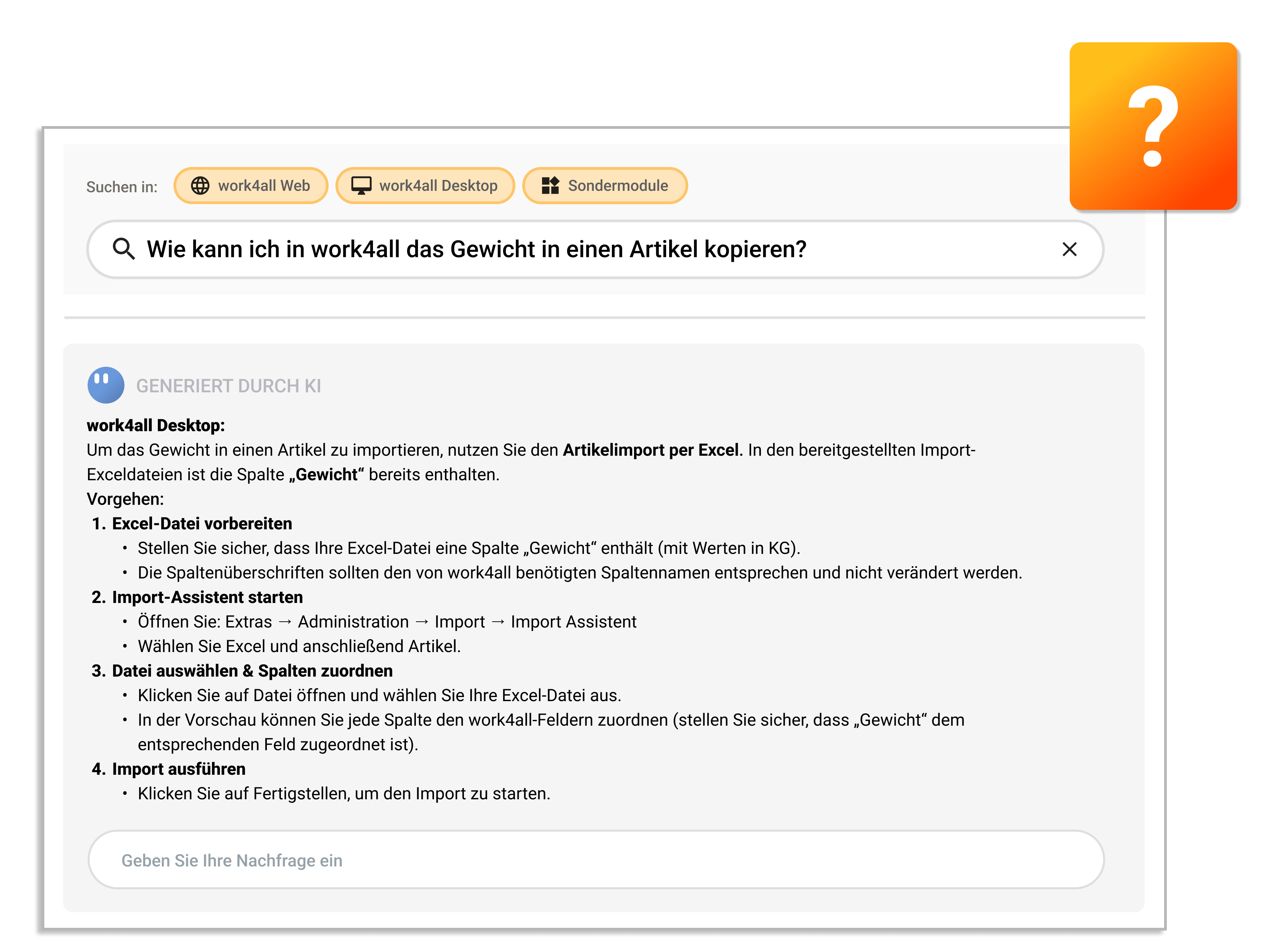
Do you have questions about work4all? Simply enter your question into our HelpCenter — or directly into ChatGPT, Claude, Gemini, and similar tools. The AI helps you get started quickly and provides targeted answers to your questions by clearly summarizing the most important information from the relevant HelpCenter articles. Thanks to transparent source references, you can dive deeper into any topic at any time — saving valuable time during your search. This makes onboarding easier and ensures you always have access to verified content.

Connect custom AI agents to work4all using Zapier, n8n & similar tools.
Zapier, n8n, and similar tools enable customized process automation. With relatively little effort, AI agents can also be integrated for automation, and connections to other software solutions can be implemented using these tools via low-code/no-code — without our help.
Examples:
• When a quotation becomes an order, set the project status to “In Progress”
• If significantly fewer project hours than working hours were recorded yesterday, remind the person via a Teams message
• Take all PDF orders from the mailbox Bestellung@xy.de, use AI to read the PDF, and create an order in work4all
Automatically capture and create incoming invoices and travel expense receipts [in progress]
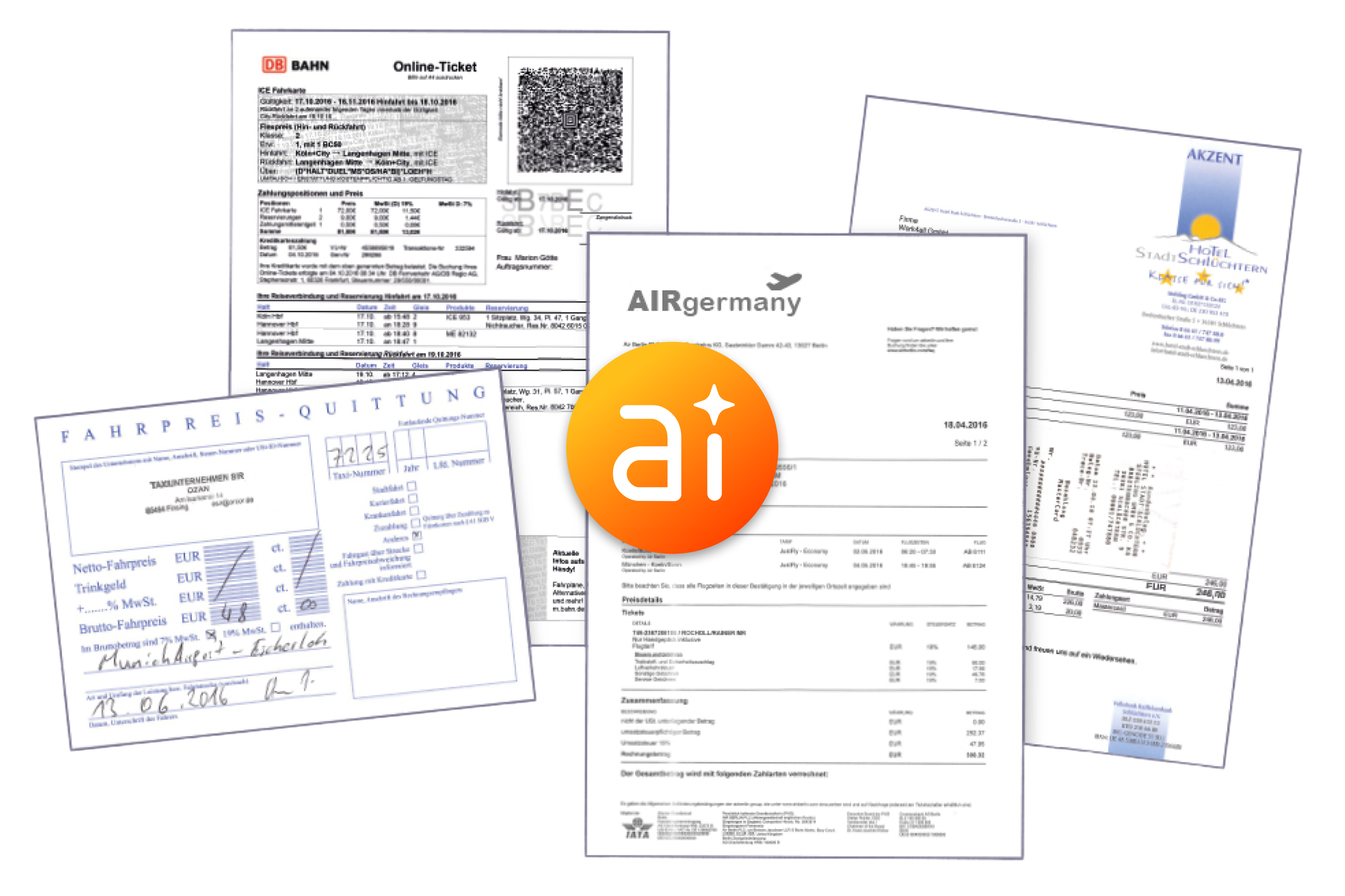
Imagine no longer having to manually read and create incoming invoices — instead, it all happens automatically. That is exactly what is currently being implemented.
API interfaces
Although work4all is a flexible standard software solution, we still follow an open architecture. With our REST or GraphQL API, you can connect virtually any software, AI agents, automation tools, BI tools, or similar solutions to work4all. The APIs cover almost the entire functionality of work4all and therefore provide a powerful way to extend our standard software. You can find the Swagger documentation here:
Feature overview
Create quotations using an AI voice assistant
Write texts and emails with AI
Have AI agents generate names for objects
AI in our HelpCenter
Connect custom AI agents to work4all using Zapier, n8n, and similar tools
AI agents that make your ERP think along with you
Automatically capture and create incoming invoices and travel expense receipts
API interfaces
Die wichtigsten Fragen zu AI-Agenten
AI agents are fully integrated into the work4all interface. They provide support within the respective screens; for example, during document entry, the document is read and the data is made visible to the user. At this time, the AI agents do not make decisions regarding business processes.
Yes, various AI agents are natively integrated into the work4all interface. In addition, custom AI agents can also be connected to work4all via REST API.
Most likely, yes. AI agents in work4all are designed to simplify and accelerate manual processes such as receipt entry, incoming invoice processing, documentation creation, and more. For companies with a high volume of such tasks, efficiency can be significantly increased.
Different LLMs are used depending on the agent. The capabilities of LLMs are currently changing almost weekly, and different LLMs can deliver significantly better results depending on the specific requirements.
The AI features rely on Large Language Models (LLMs). Depending on the specific feature, different infrastructure services are used. These features are powered by AI services that process data in compliance with GDPR within European data centers.
With its REST or GraphQL API, work4all provides a powerful tool for connecting work4all with other software solutions, databases, or AI agents.
AI agents in work4all are designed to generate data while ensuring the user always retains control over the process and can modify the output. The AI provides editable suggestions for the user. No data records are automatically generated by the AI to be sent to business partners or saved in work4all without documentation.
No, the data is not used for training purposes.
Bringen Sie Ihre wachsenden Unternehmensprozesse in ein digitales Zuhause
work4all verbindet was zusammengehört: Projekte, Kunden, Rechnungen, Dokumente, Artikel, Mitarbeiter. Alles übersichtlich integriert in einer Software.

Bring your growing business processes into a digital home
work4all connect what belongs together: projects, customers, invoices, documents, articles, employees. Everything clearly integrated in one software system.