When getting started with new business software such as work4all, there are two options: you can either start from scratch or transfer your legacy data. The first option allows you to leave behind poorly maintained data with duplicates and make a clean new start. However, with work4all, you can also import data from previous systems. For this purpose, there is a standard Excel import for customers, suppliers, and items. Additional imports of other data can be carried out individually by us.
No more isolated solutions with work4all
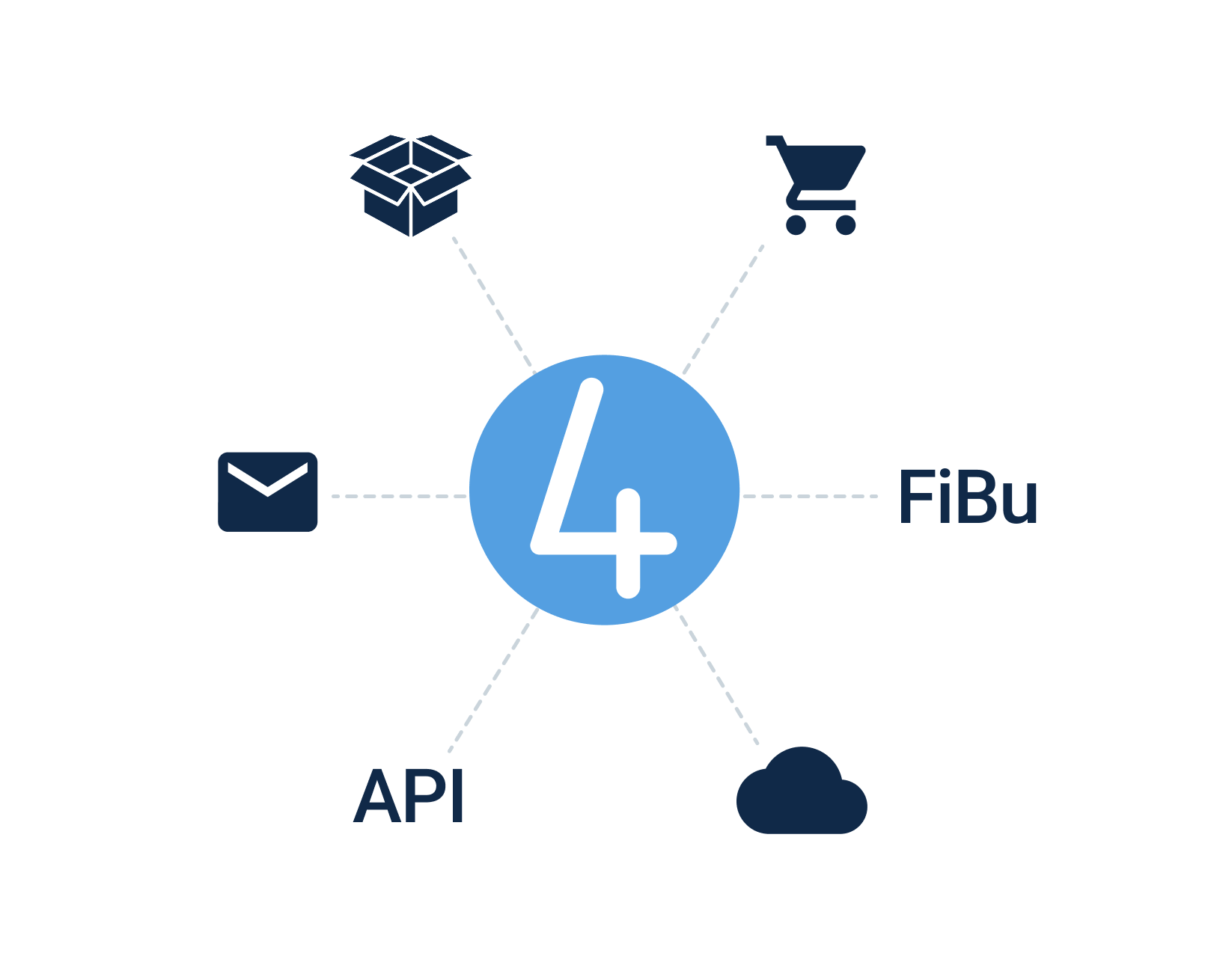
With powerful interfaces and integrations, work4all becomes the central platform for your entire software landscape
.png)
Import customers & suppliers

Connect work4all to your accounting software
In work4all, you can conveniently capture receipts and documents via drag and drop or scan, making them available to all colleagues with the appropriate permissions. Incoming invoices can be approved, credit card receipts can be collected, and more. All documents can be exported to DATEV or another accounting program — even with posting suggestions that are generated automatically from the stored financial accounting accounts in the item master.
Make calls via work4all
You can call contacts at customers, suppliers, or business partners directly from work4all. And of course, this works not only at your desk, but also while on the go.
.png)
Automatically create shipping labels from delivery notes
Shipping labels are created in work4all based on delivery notes. The data is transferred to DHL, UPS, or DPD, and the shipping labels can be printed immediately.
Direct access to supplier webshops — with no detours
OCI and IDS are two standardized interface formats that allow you to connect work4all to virtually any of your suppliers’ webshops. The advantage? You can access your suppliers’ items directly from within work4all. And your webshops are likely already familiar with these interface formats, since OCI and IDS are standardized formats used by many ERP vendors and webshop operators.

%201.png)
End customers can access your inventory via webshop.
Are your customers becoming more demanding and looking for ways to avoid the constant back-and-forth of material lists?
With the work4all SHOP, your customer gets a branded webshop where they can view rental items and customer-owned materials and order them for their events. Naturally, the item availability is based on the actual items stored in work4all. Strengthen customer loyalty through closer digital collaboration.
Additional integrations with work4all
OCI or IDS are standardized interface formats that give you quick access to your suppliers’ online shops. You open an order in work4all, jump to your supplier’s webshop from there, and the shopping cart is then transferred back into work4all at the end of the ordering process. This saves you from constantly maintaining your item data and prices.

Bring your growing business processes into a digital home
work4all connects what belongs together: projects, customers, invoices, documents, articles, employees. Everything clearly integrated in one software system.