Keep an overview while growing
(Mobile) project time recording with flexible interface and convenient evaluation
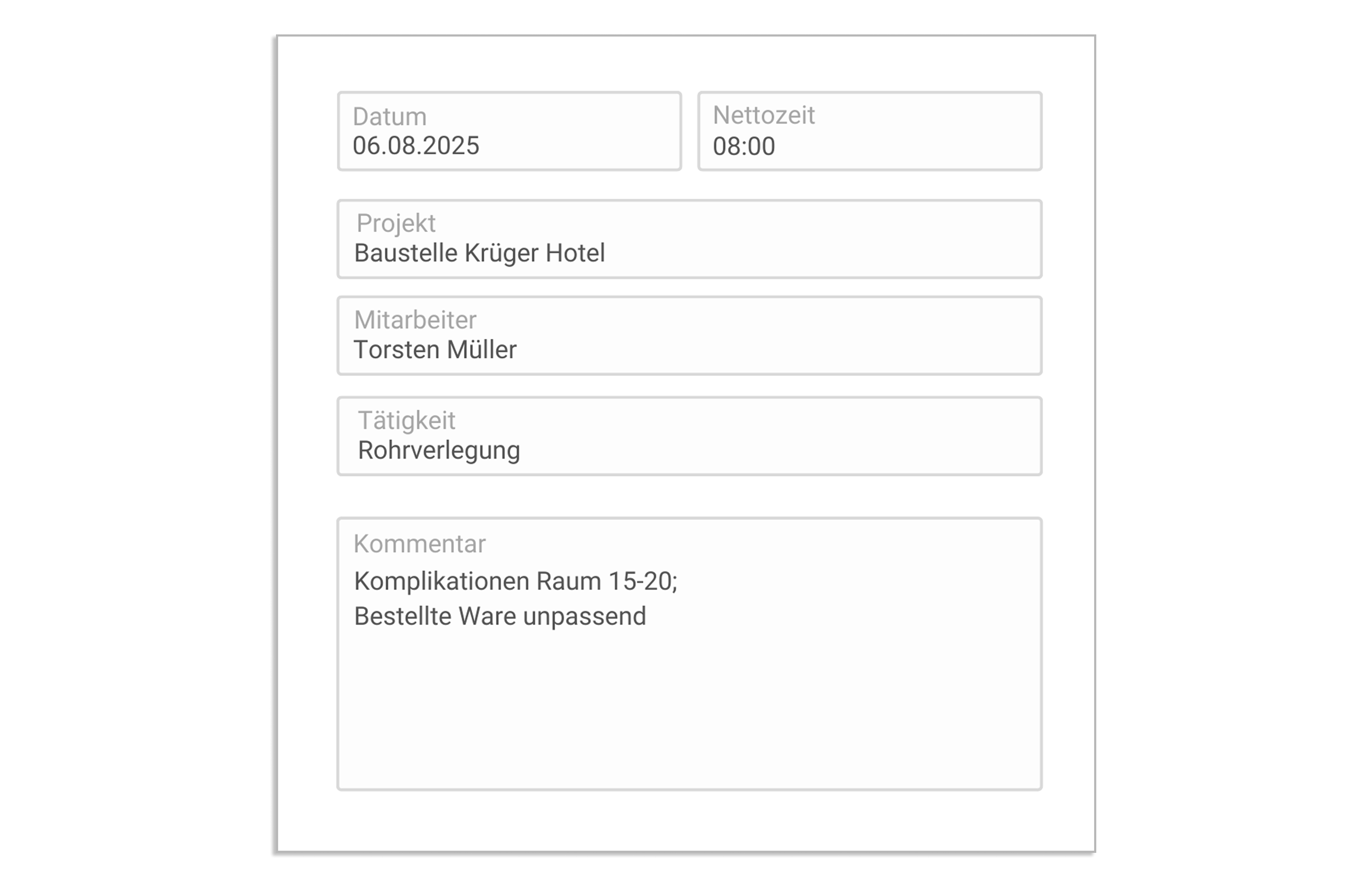
Overview of project time tracking features
Extensive options for time tracking
Times can be tracked conveniently and with any level of detail. The following information can be selected for each time unit:
• Projects and project tasks
• Customer/supplier/business partner
• activity
• p.o
• Order item
• tickets
• dates

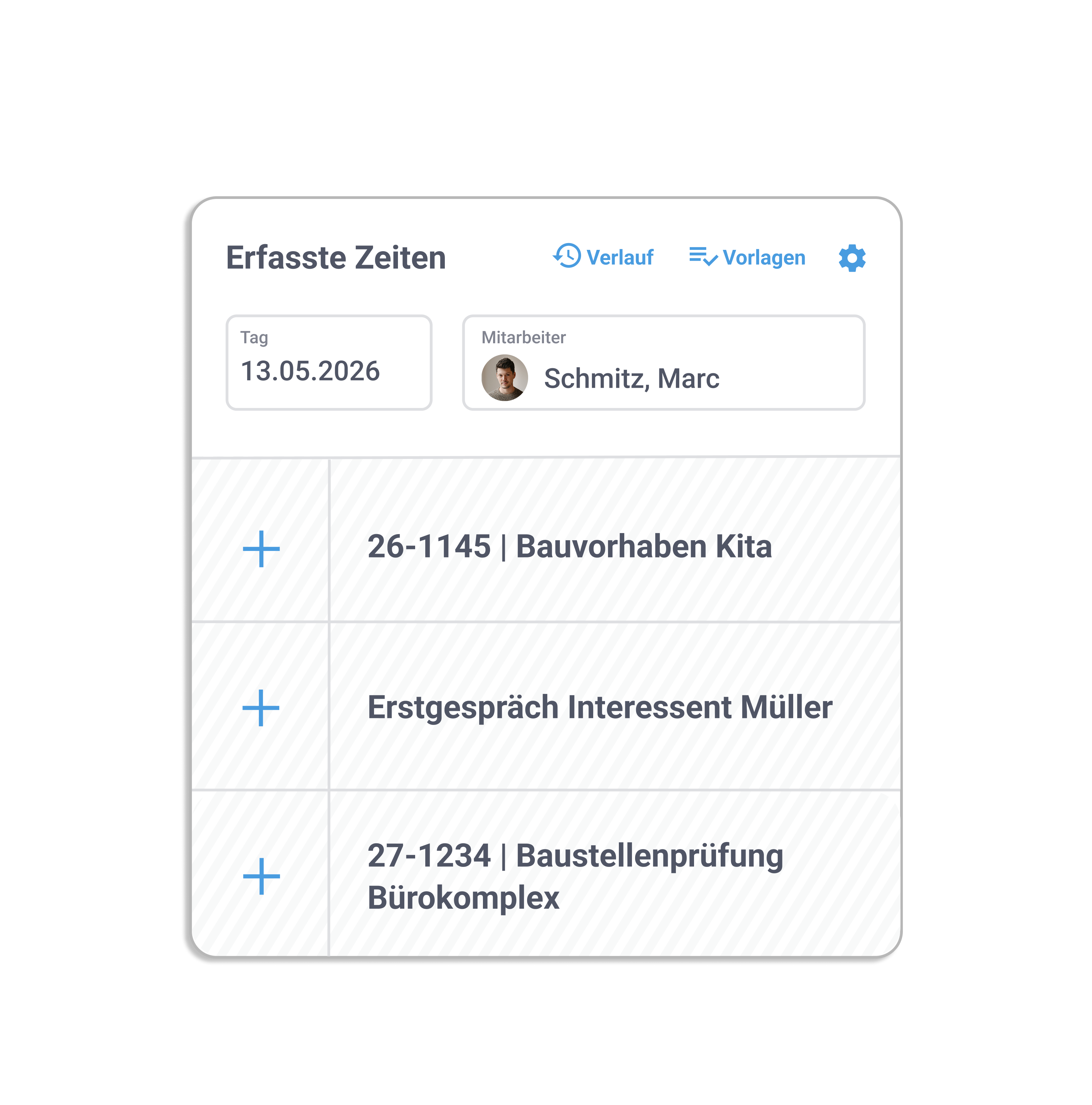
Record project hours — flexibly and on the go
With work4all, you stay in control of your projects no matter where you are. Record hours, tickets, or activities on site using your smartphone or tablet. Link your entries directly to the project to optimize billing and maintain full visibility at all times. This saves time and helps you impress your customers with clear, professional organization.
Maintain an overview
The tracked times are clearly presented. Mobile on the go, in a browser or in work4all desktop. Times can also be stopped with a stopwatch, here you can switch back and forth between several stopwatches.


Employee performance records
The time spent on projects and the working hours usually differ in a company because legal breaks lead to minor deviations. A clear comparison helps to manage your employees.

Feature overview
Recording of projects, project processes, tickets, appointments, orders, order items, activities, etc.
Recording in work4all, in the browser or via app
Worklist and favorites for quick time recording
Full integration with CRM and ERP
Comparison of working and project times using the certificate of achievement
Personal contribution statement for project coverage contributions
Bring your growing business processes into a digital home
work4all connect what belongs together: projects, customers, invoices, documents, articles, employees. Everything clearly integrated in one software system.
