The path to a paperless office
Document storage (DMS) and template management
Overview of DMS & document template features
Create letters and documents in the blink of an eye
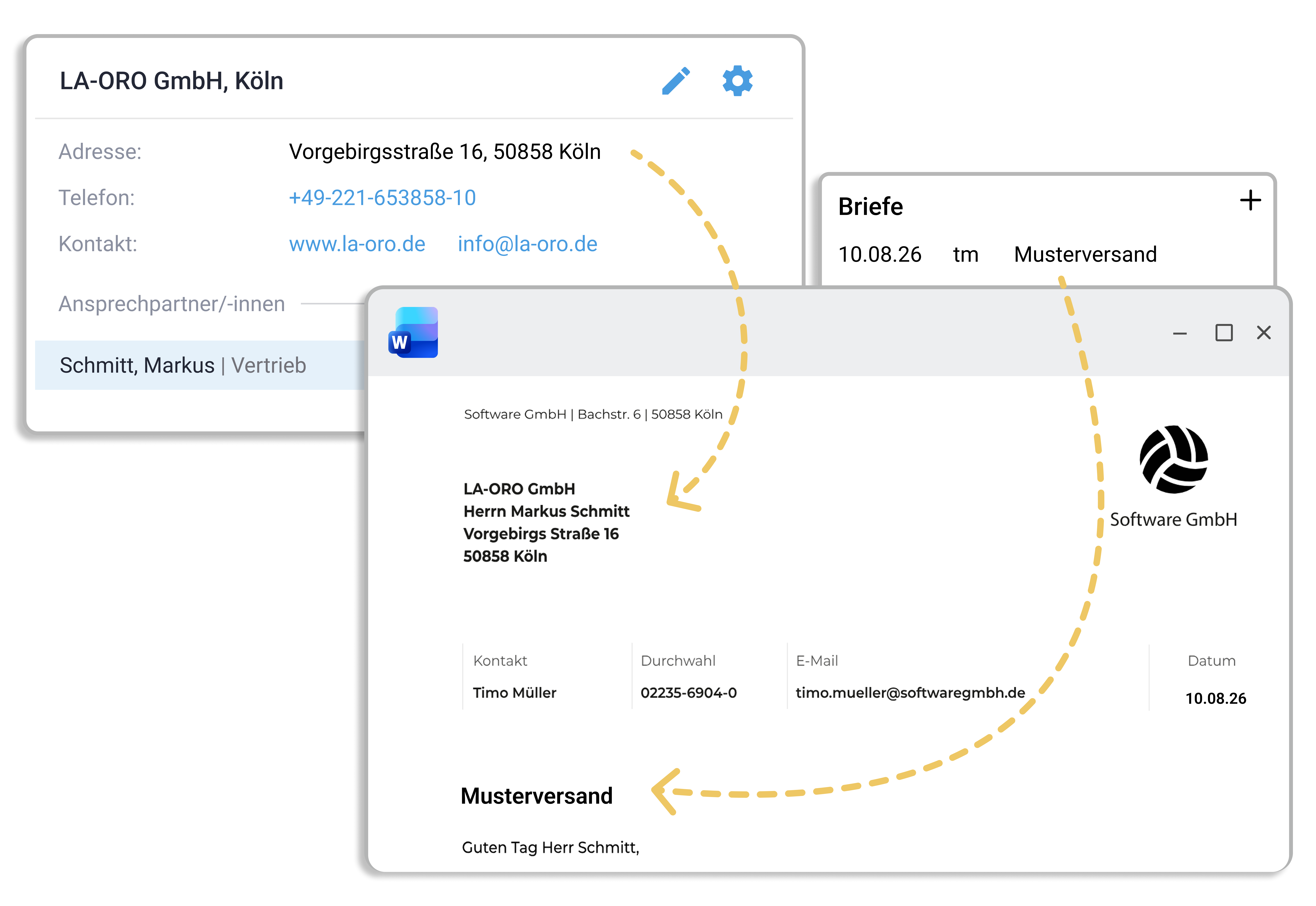
Letters and documents are standardized in work4all using predefined templates. Bookmarks fill in data from the customer or supplier address, the project and also actively from the employee.
There are no limits to your templates: correspondence, contracts, minutes, reports, project data sheets, etc.

Quick assignment via drag & drop
Documents can be stored in work4all via drag and drop from Outlook or Microsoft Explorer. They are saved in the digital customer, supplier, or project record and are available to every user. With the quick search, documents can be found instantly.
Project directories for project document storage
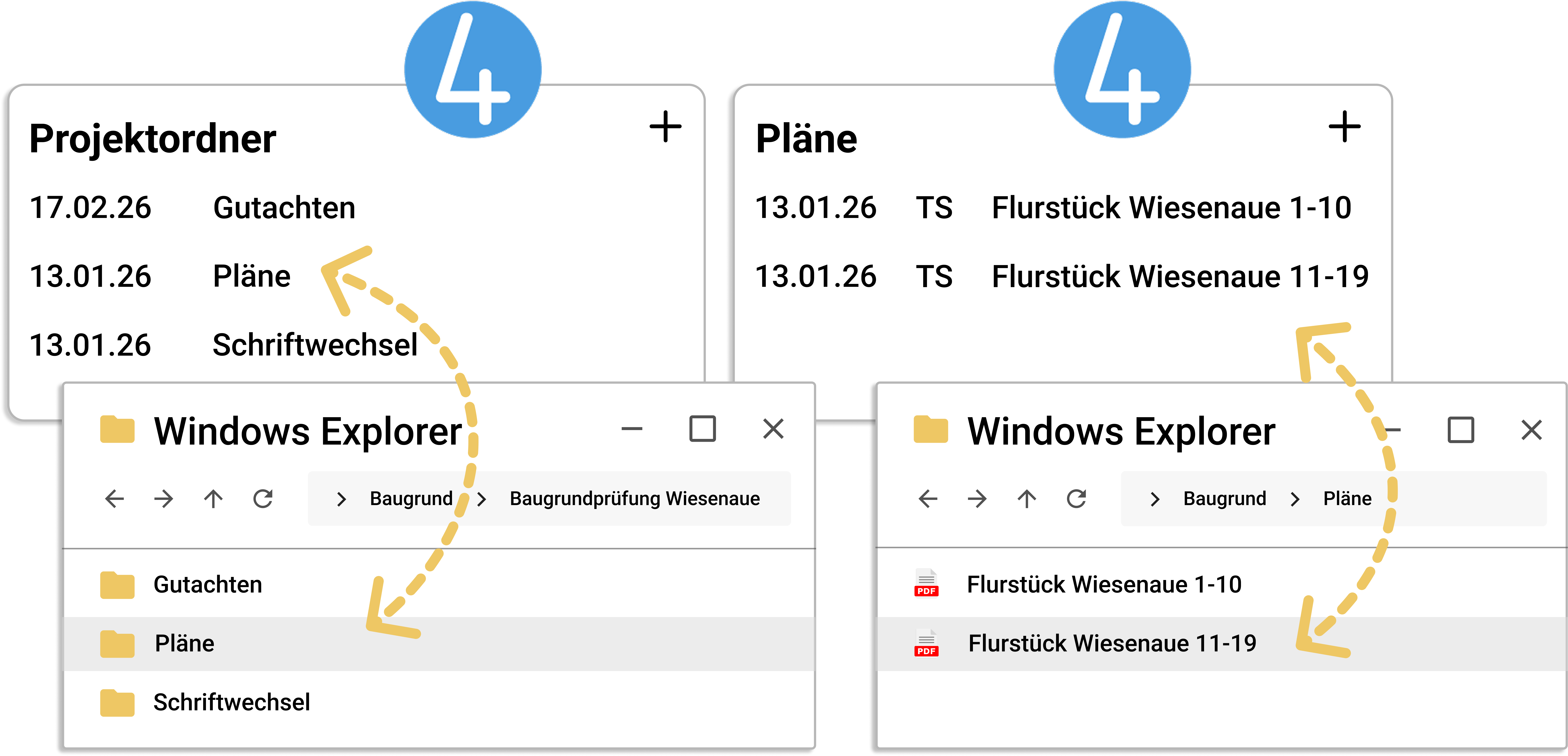
Project directories are clearly stored in work4all. The info windows match the folder structure of your project. The integrated explorer view of the project folder also gives you access to project documents that have been stored directly in Windows Explorer by external departments.
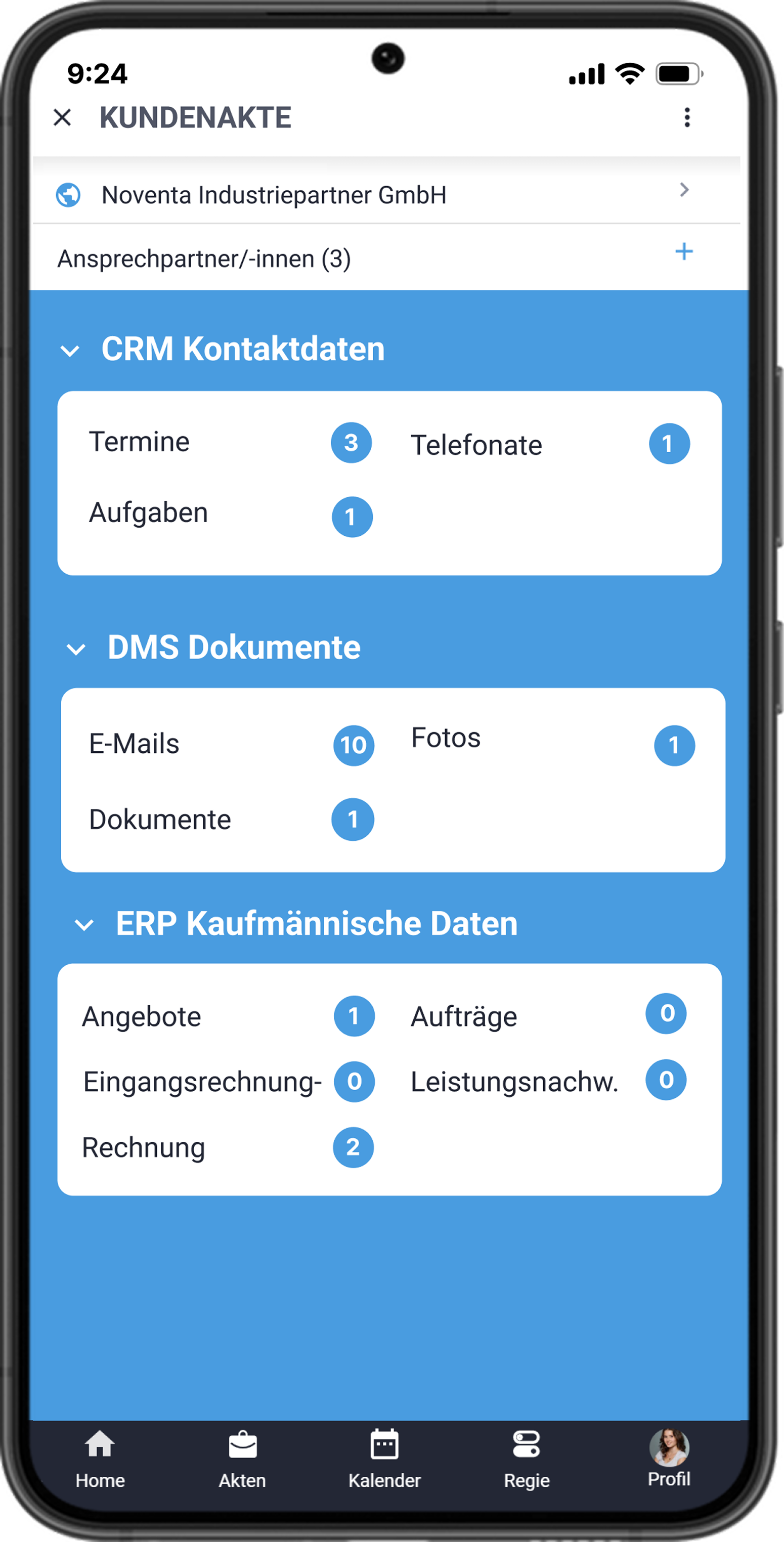
Mobile access with the work4all app
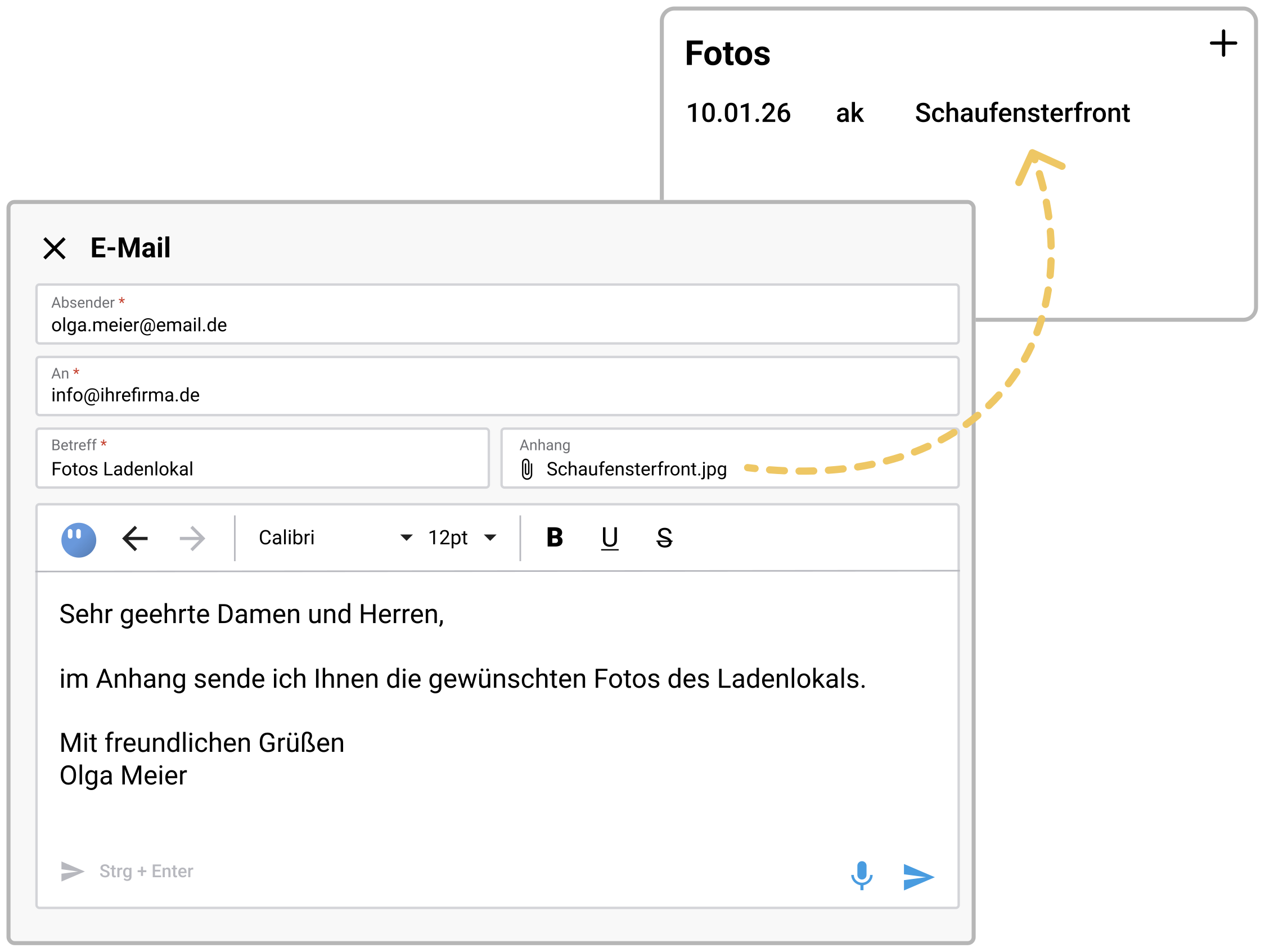
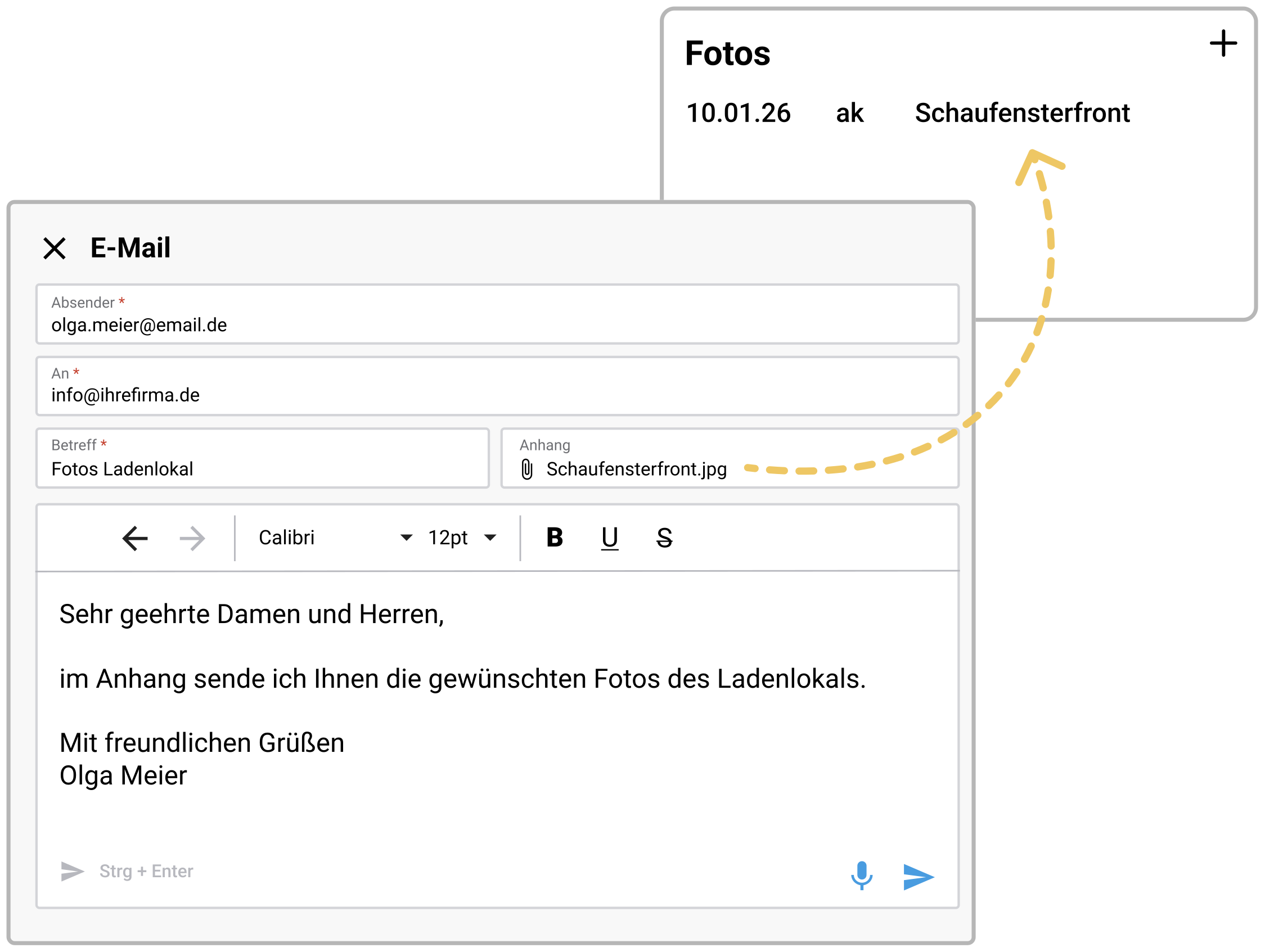
Even while on the go, you always have all documents related to customers, suppliers, or projects at your fingertips. Photos can be taken with your smartphone and stored directly in the customer record — visible to all colleagues.
Feature overview
Convenient search functions
Individual text bookmarks and modules
Integrated mail delivery of documents
Mobile access via the work4all app
Individual document templates for letters, contracts, etc.
Freely definable document folders for photos, reports, plans, etc.
Drag & drop document storage for all file formats
Assignment of photos or scans in the work4all app
Bring your growing business processes into a digital home
work4all connects what belongs together: projects, customers, invoices, documents, articles, employees. Everything clearly integrated in one software system.
