Keeping track while interacting with customers

E-mails, phone notes, tickets, appointments, minutes and checklists

In the German cloud or on your own server
Over 35 years of ERP and project experience
With integrated AI agents
Your All-In-One Solution

Overview of communication features

Overview of all forms of communication

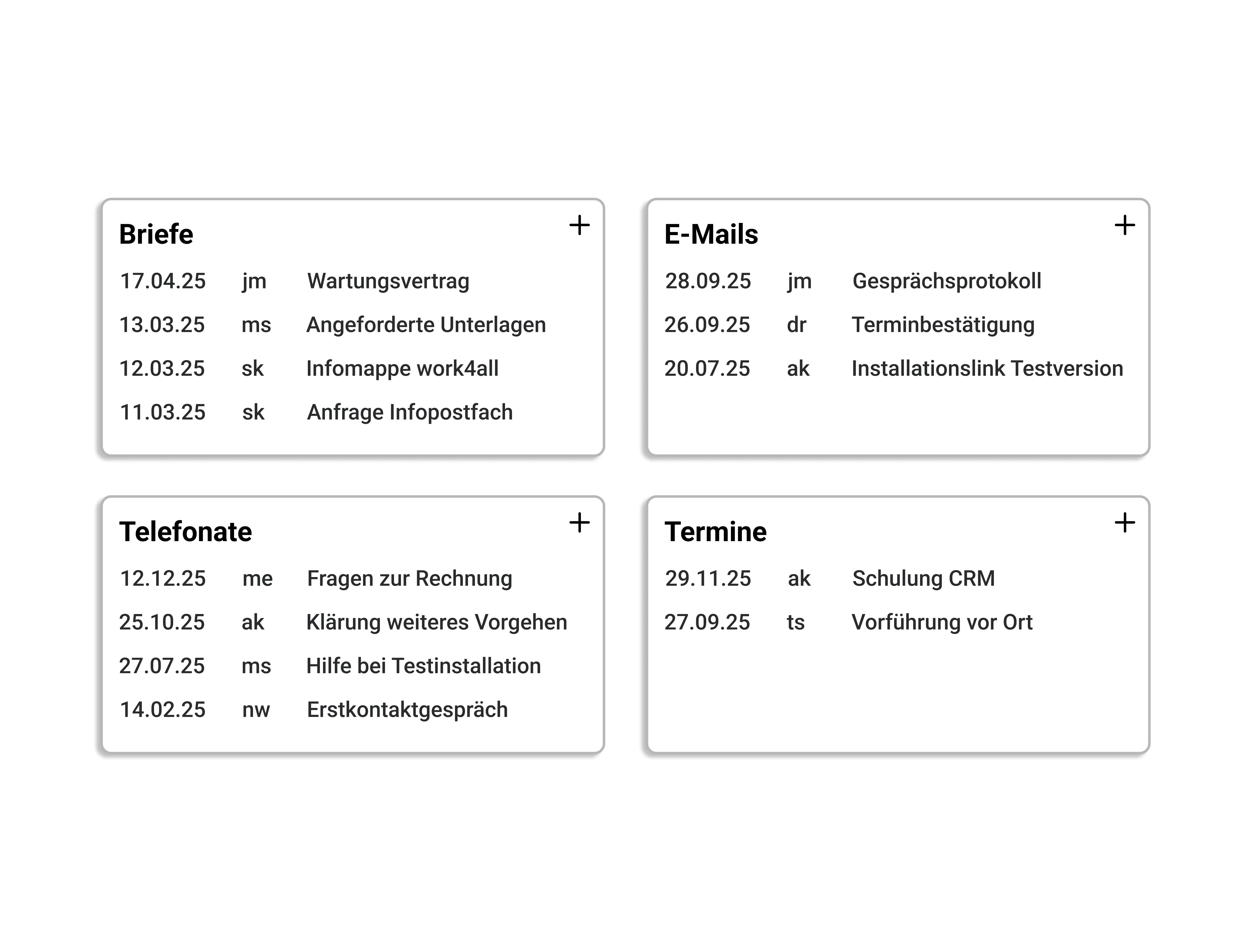
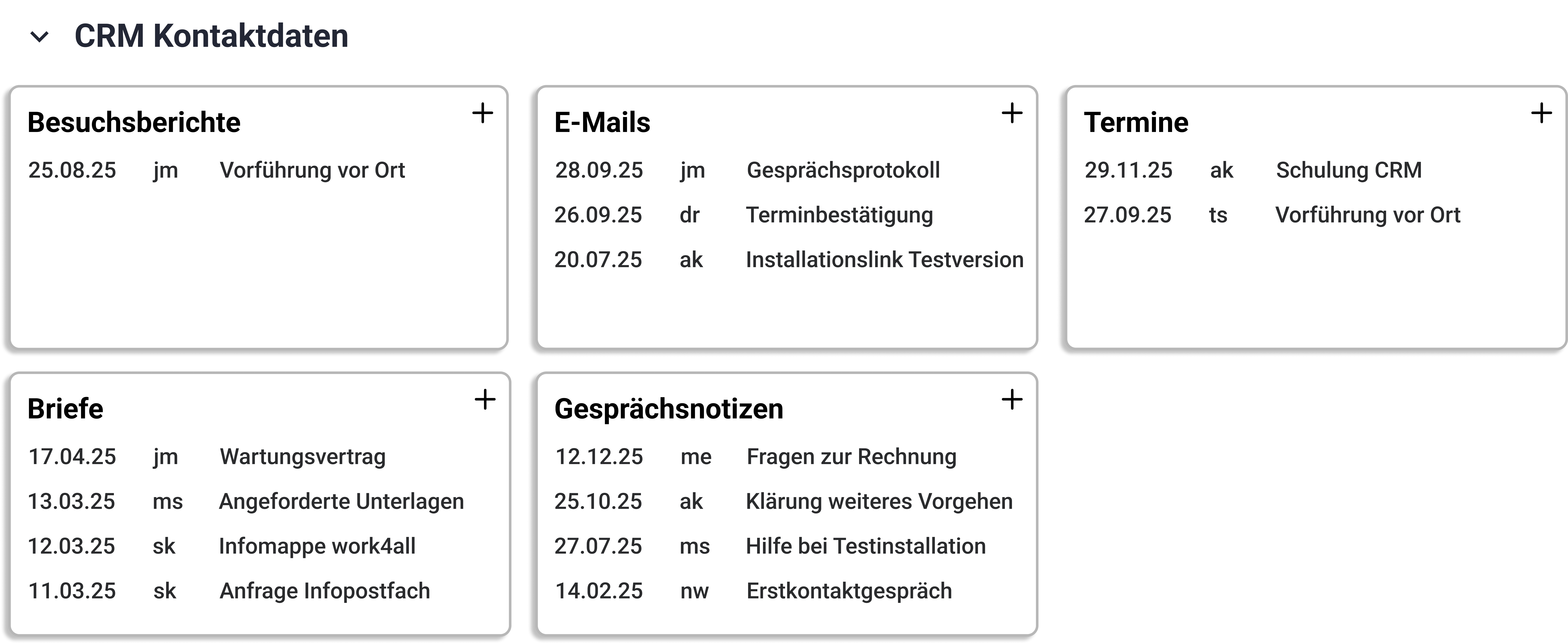
E-mails, phone calls, documents, minutes, appointments, tasks. These can be found in order in the digital file of your customer, supplier or in project. This provides a 360° view of business partners and transparency for all employees.

Mobile recording of (phone) notes

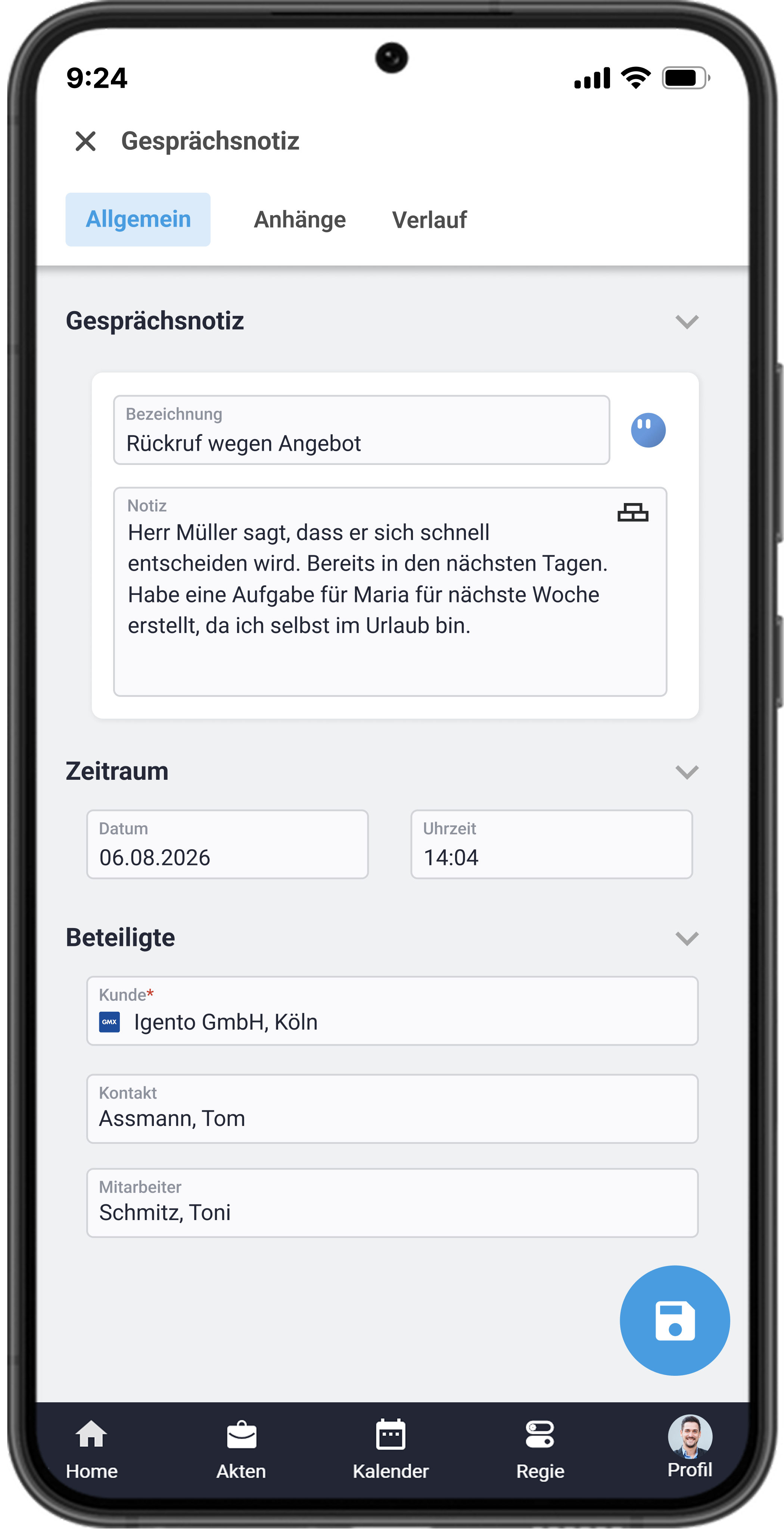
On the go you can conveniently document your appointments using the dictation feature, which is saved in the phone notes. This way, the mobile device even has advantages over the laptop!

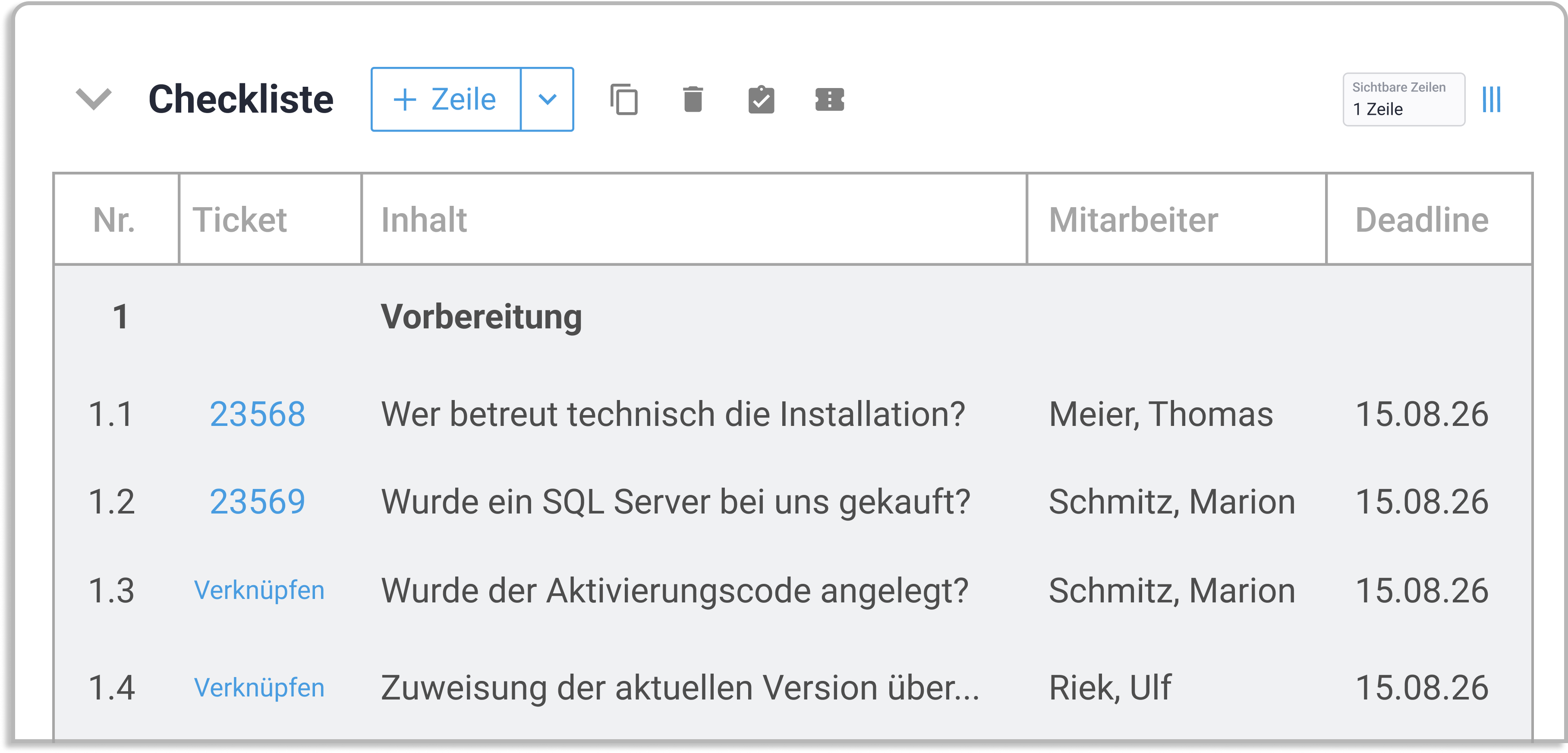
Checklists for organizing team tasks

Checklists are particularly helpful in project management for organizing the diverse tasks and deadlines systematically. Templates simplify the handling of recurring processes, not least due to the integrated task creation.

Grafik und Darstellung von DMS und Dokumentvorlagen in work4all

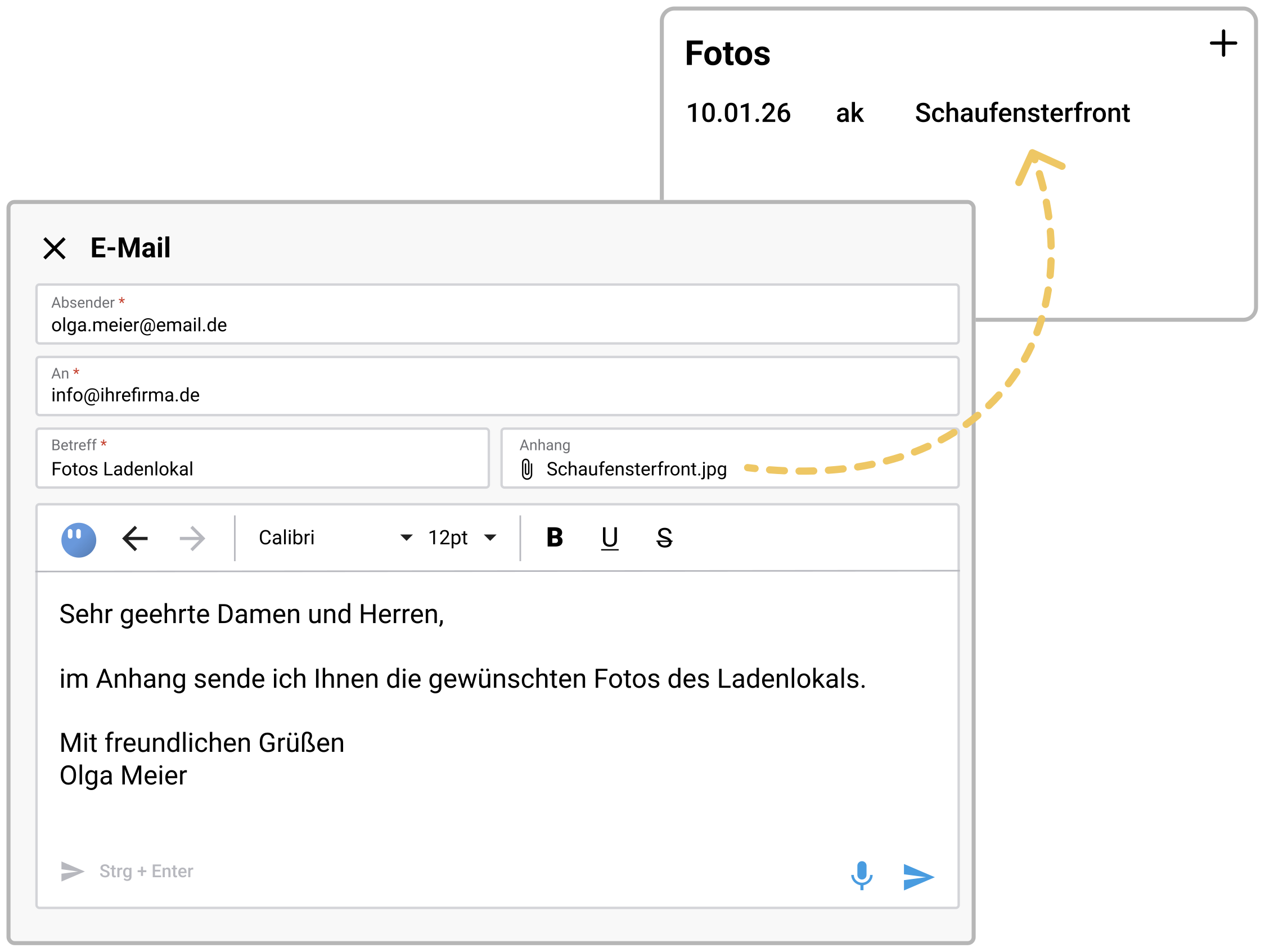
Store emails & documents via drag and drop

Emails and documents can be easily added to work4all via drag & drop. Alternatively, you can write emails directly from work4all, in which case the assignment to the customer, supplier or project is automatic.

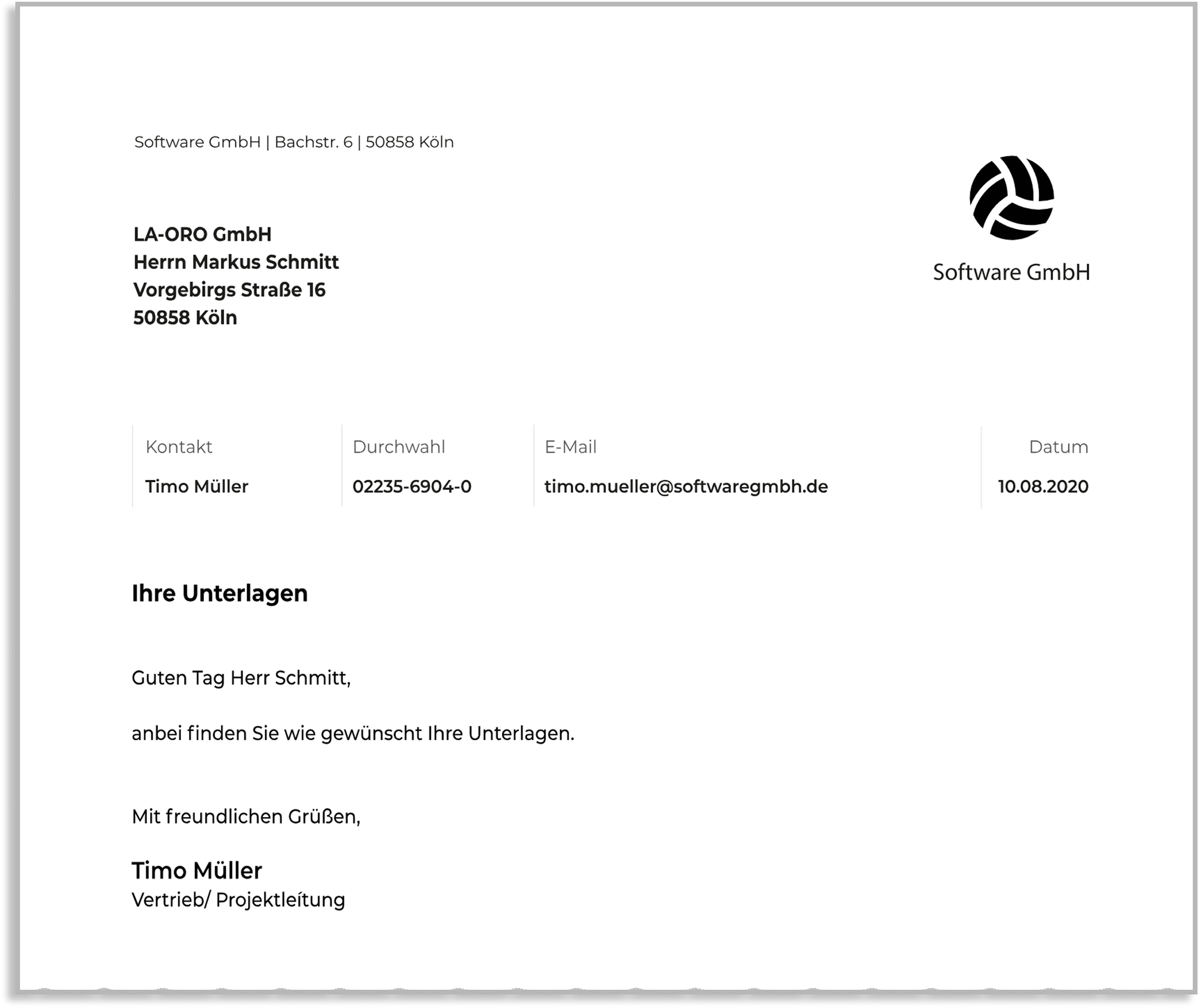
Create letters using Word templates

Microsoft Office is seamlessly integrated into work4all in many areas. E-mails are sent via Outlook, letters automatically open in Word. Text bookmarks ensure automatic insertion of addresses and senders. Custom or company-wide text modules can quickly and individually enhance templates.

Document templates are also excellent for recurring commercial or contract documents with suppliers!
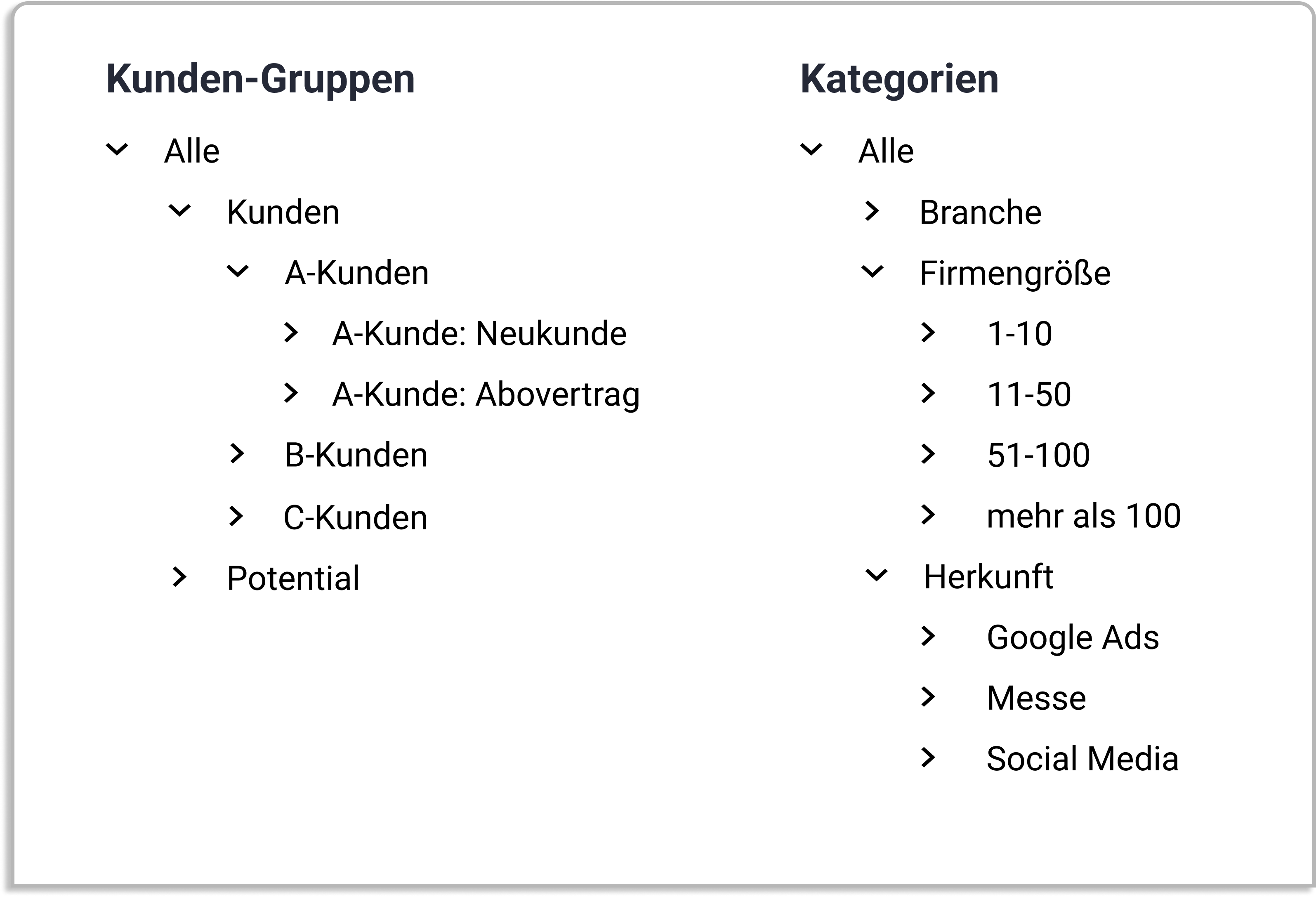
Groups and categories as a data basis

From prospects to customers — A wide range of marketing features help you identify potential and identify prospects and existing customers.

Dispatch Center

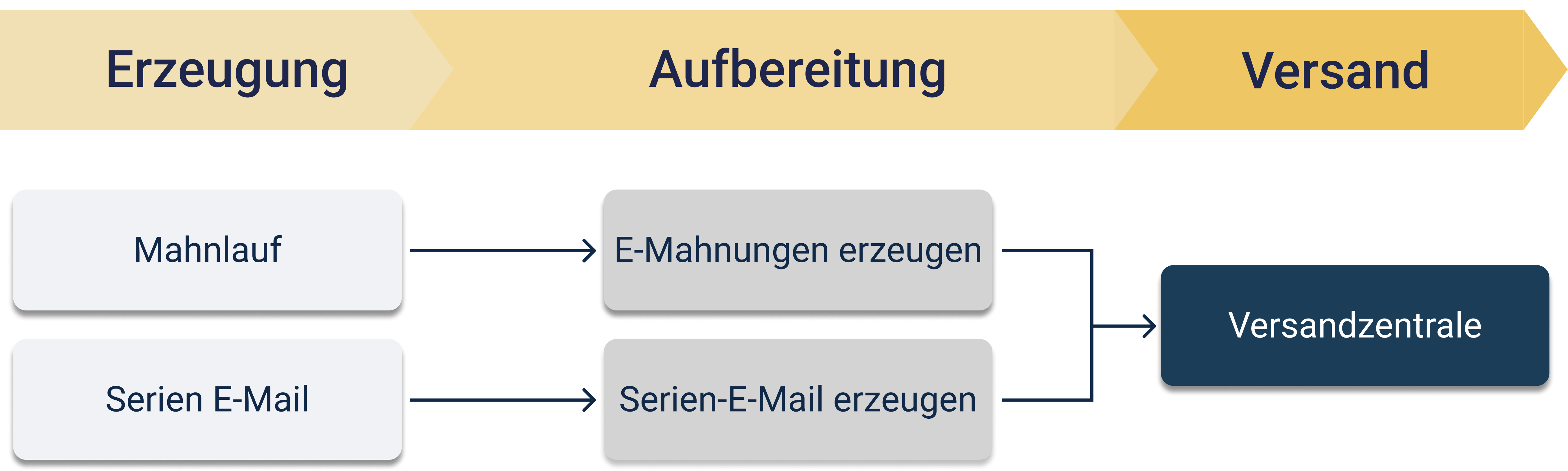
With the Dispatch Center, prepared email reminders and bulk emails can be sent centrally. Reminders are first created through the dunning process, while bulk emails are created in the CRM and then prepared for sending. In the Dispatch Center, all prepared messages are finally brought together in one central place.

CRM/Communication

Feature overview

Drag & drop for emails and documents

Your own tasks, appointments and tickets via the daily news

Phone calls, contact reports, appointments, calendars, checklists, tasks, emails and other incoming and outgoing correspondence

Individual security of documents through object protection

Mobile view and editing via work4all app

Automatic synchronization of contacts and appointments

Template management for documents and letters

Bring your growing business processes into a digital home

work4all connects what belongs together: projects, customers, invoices, documents, articles, employees. Everything clearly integrated in one software system.

One control centre instead of lots of special tools and makeshift solutions
Experienced process and digitalisation specialists by your side
Easy to use for all department - even when you're on the move
“Transparent customer and project management, fair prices and DATEV integration make work4all a real home for our business.”
Foto von Andreas Steffens - Geschäftsführer unseres Kunden Steffens Systems GmbH
Andreas Steffens
Managing Director, Steffens Systems GmbH