Standard software at the core — but there are no limits to customization.
Custom integrations via API & MCP
Overview of API & MCP features

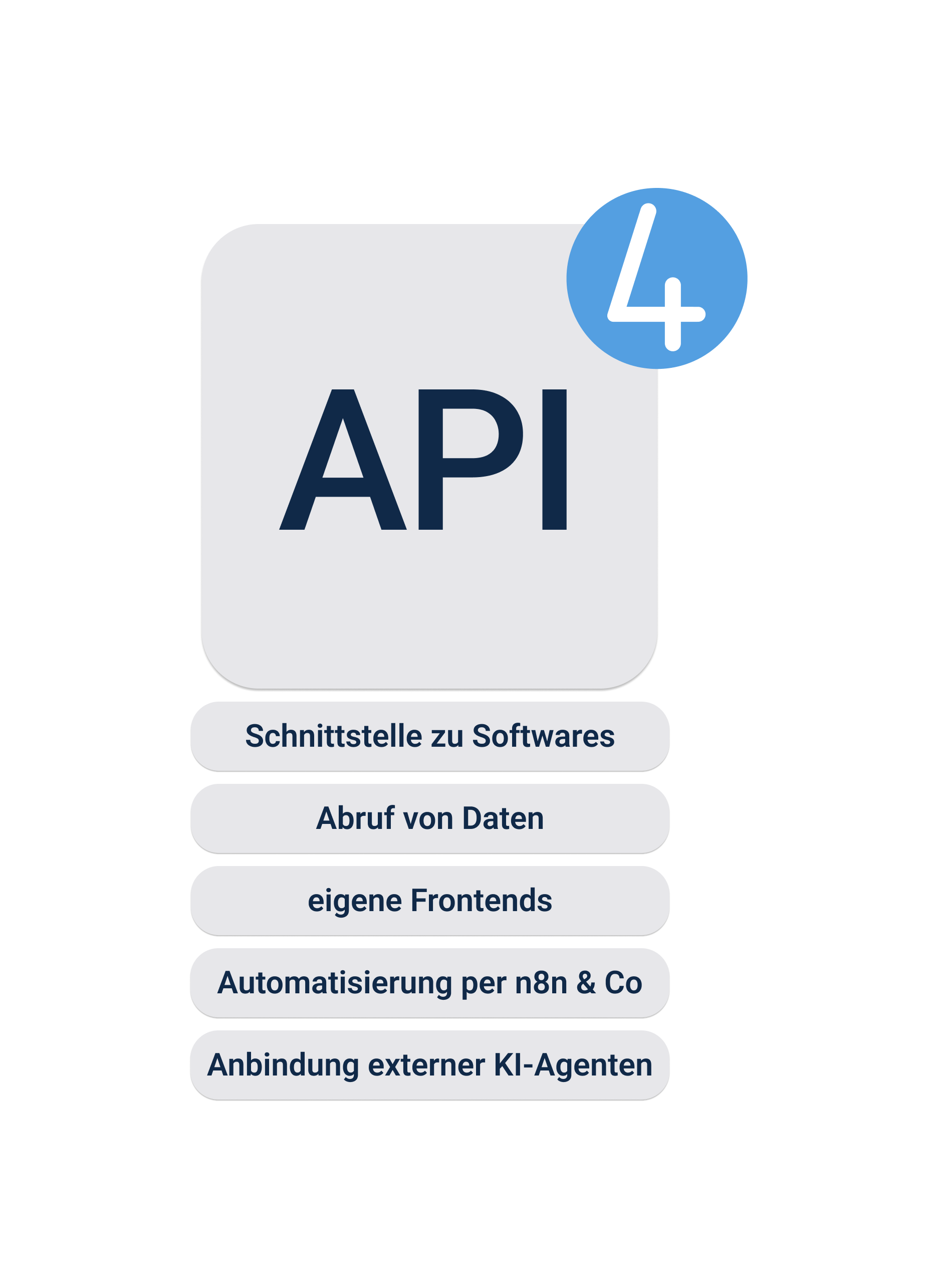
The API as a way to access work4all data
With the work4all API, you can retrieve data from work4all or write data to it. Our API provides standardized endpoints that you can use for custom developments.
Examples include:
• Interfaces to other software solutions
• Retrieving data for custom analyses using BI software
• Custom front ends with additional features
• Automations via n8n, Zapier, Make, etc.
• Integration of external AI agents
Extensive API for custom developments
The work4all API offers extensive functionality. With only a few exceptions, nearly all work4all functions can be accessed via the API. This gives you enormous flexibility to use work4all as a standard product while still connecting custom solutions tailored to your business.
For developers:
• REST and GraphQL endpoints
• Complex queries with a single command
• Functions such as Create Customer, Get Many Projects, and Create Incoming Invoice
• Comprehensive Swagger documentation


MCP for connecting external AI
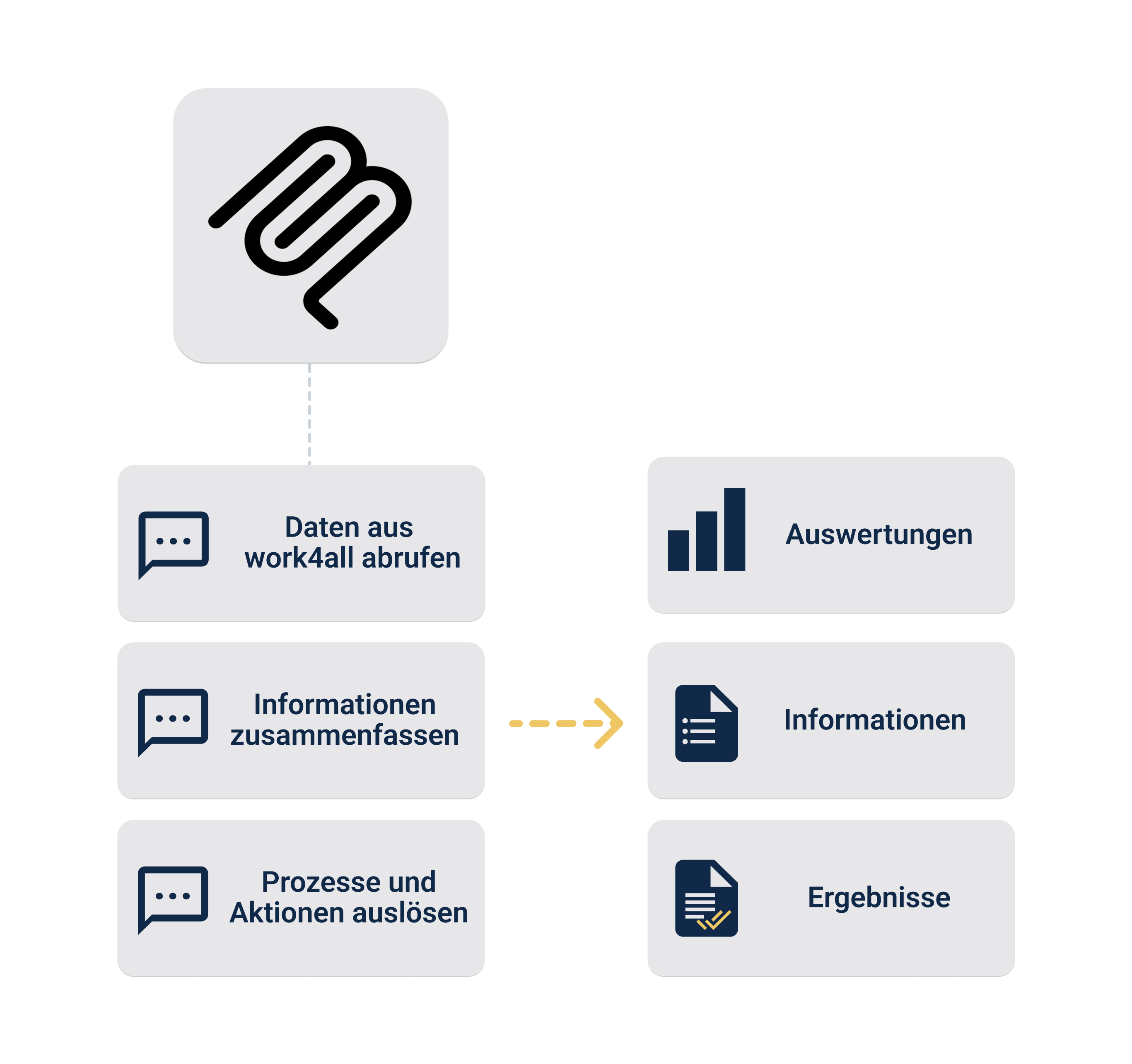
MCP (Model Context Protocol) is an open standard designed to ensure communication between AI systems (Gemini, Claude, ChatGPT, etc.) and software. Think of it as a kind of USB port that lets you connect work4all to the AI of your choice. MCP in turn uses the work4all API, but helps AI tools navigate the wide range of functions by adding contextual structure and classification.
The use cases are broad: you can ask the AI of your choice questions or assign tasks that combine both the AI’s general world knowledge and the specific knowledge from work4all. The possibilities are virtually limitless, but here are a few examples:
• Create a map of Germany showing revenue by federal state based on invoice data from work4all.
• I need information about a project in which XY was done — please find everything related to it.
• Take all open orders from work4all and create a route plan for this week.
• Take all project hours from work4all and turn them into an invoice.
The MCP interface is currently in development and is expected to be completed by the end of the year.
Best heading ever written ever
Die Anwendungsfälle wären dann, dass Sie der KI Ihrer Wahl Fragen oder Aufgaben stellen können, die sowohl das Weltwissen der KI als auch das spezielle work4all Wissen einbeziehen kann. Die Möglichkeiten sind hier grenzenlos, dennoch ein paar Beispiele:
• Erstell mir eine Deutschlandkarte mit Umsätzen je Bundesland aus work4all Rechnungsdaten.
• Ich benötige Informationen zu einem Projekt, in dem XY gemacht wurde, bitte such mir alles dazu raus.
• Nimm alle offenen Aufträge aus work4all und erstelle mir eine Routenplanung für diese Woche.
• Nimm alle Projektzeiten aus work4all und erstelle daraus eine Rechnung.
Feature overview
Retrieve and write data from and to work4all
Connect external software solutions
Create custom analyses and front ends
Automate processes with n8n, Zapier, or Make
Integrate external AI agents via API and MCP
Analyze and process projects, orders, and invoices using AI
Bring your growing business processes into a digital home
work4all connect what belongs together: projects, customers, invoices, documents, articles, employees. Everything clearly integrated in one software system.
